A private wedding website is one search engines don't list and strangers can't use. A shared password keeps out anyone without it, but it can be guessed. yourwedding.app has no site password: replying or adding photos needs a guest's own link, but anyone with the address can read The Day and Travel.
At a glance5 points · 8 sections
At a glance
- Hiding a site from Google and adding a password are separate settings. Check both before you share the address.
- Zola suggests your wedding date plus your last name as a password. Anyone who knows your names and date can work that out.
- Joy and Zola each have a setting that lets people find your site by searching on Joy or Zola. Check it.
- Leave off your home address, honeymoon dates, bank details and children's names, whatever your settings.
- yourwedding.app has no site password. Each guest replies from their own link, but anyone with the address can read The Day and Travel.
| Site password | Kept off Google | Found by your names on its site | Per-guest access | |
|---|---|---|---|---|
| yourwedding.app | None. Replying and adding photos need a guest's own link, but anyone with the address can read The Day and Travel | Asks search engines not to list it, on every plan | No. We can't look up invitations by name or email | A link for each guest. A new link stops the old one |
| Zola | Optional. Guests enter it before they see anythingSource: Zola | A setting. Google can take up to 30 days to drop a siteSource: Zola | A setting: searchable on Zola, yes or noSource: Zola | Guests search for their names to RSVPSource: Zola |
| Joy | Optional. Private mode asks for it on every page. Not case-sensitiveSource: Joy | A toggle: "Allow my event to be found on Google, etc."Source: Joy | A toggle: guests can search for your event at withjoy.com/findSource: Joy | Not described in its privacy help or FAQSource: Joy, Joy |
| Say I Do | A wedding code you choose. Listed from the Standard package, A$69Source: Say I Do, Say I Do | Not mentioned in its wedding code helpSource: Say I Do | No. Its find page asks for the site addressSource: Say I Do | A unique link for each partySource: Say I Do |
| WedSites | A shared password, or guests check in by name or email, or with an access codeSource: WedSites | Not mentioned in its password helpSource: WedSites | "WedSites does not have a public search or lookup feature"Source: WedSites | Check-in by name or email. Single pages can be made privateSource: WedSites |
| WedBuild | Optional, on your published siteSource: WedBuild | Not mentioned in its FAQSource: WedBuild | Not mentioned in its FAQSource: WedBuild | "A personal link for every guest" on every planSource: WedBuild |
Details checked 4 November 2026. Products and prices change, so check anything that matters on each company’s own site.
Most advice on this comes from companies that sell the password switch. The table above sets five of them beside us, from their own help pages. The Knot's help centre wouldn't load for us on 3 November 2026, so it isn't in the table. We make yourwedding.app, which has no site password, so weigh what we say about passwords with that in mind.
What makes a wedding website private?
Three layers, and each does a different job:
- Off search. The site asks search engines not to list it, so a stranger searching your names doesn't find it.
- A gate. A password can close the whole site. Personal links decide who can reply; on yourwedding.app, anyone with the address can still read The Day and Travel.
- What you leave off. Anything a stranger could misuse stays off the site, whatever the settings.
Builders handle the first two with settings. The third is up to you. Whichever wedding website you use, check all three before you send the address.
Should you password protect your wedding website?
A password helps if your site holds things you don't want strangers to read. It has two weak spots: guests forget it, and others can guess it.
Zola's own advice says "some of them are going to lose it or forget it at some point". It then suggests "The date of your wedding plus your last name works well" (Should You Password Protect Your Wedding Website?).
A shared password also travels. Once a guest forwards the address and the password together, the new person sees everything your guests see. To cut them off, you change it and tell every guest.
How do Zola, Joy, Say I Do, WedSites and WedBuild make sites private?
All five offer some kind of password or code. They differ on search and on how each guest gets in.
- Zola. Set a password under Privacy, and guests "will be prompted to input the password before they can view any of the information on your wedding website" (Zola help). A separate setting controls whether your site can be found on search engines and on Zola (Zola help).
- Joy. Private mode requires "your event password before viewing any page". Passwords "must be at least 3 characters" and "are not case-sensitive". Two toggles control Google and searching on Joy (Website Privacy Settings).
- Say I Do. "You can require your guests to enter a wedding code of your choice to see your site" (Say I Do help). Its pricing page lists "Password protected website" from the Standard package (pricing).
- WedSites. One shared password, or "Require guest authentication", where guests check in by name or email, or type an access code. You can also make single pages private (WedSites help).
- WedBuild. "Set a password on your published site so only guests who have it can see it" (WedBuild FAQ). Its FAQ doesn't mention search engines.
How do you keep a wedding website off Google?
Turn on your builder's hide-from-search setting before you share the address.
Behind that setting is usually a noindex rule. Google says it "will drop that page entirely from Google Search results, regardless of whether other sites link to it" (Block Search indexing with noindex).
Two catches. Removal takes time: Google says "it may take months for Googlebot to revisit a page", depending on the page. And don't block the site in a robots.txt file, an old tip you may still see. Google says then "the crawler will never see the noindex rule".
A site kept off Google is not locked. Anyone with the address can still open it.
Is a personal link safer than a password?
It protects different things. Here is how the two compare.
| A shared password | A personal link for each guest | |
|---|---|---|
| Who gets in | Anyone with the password | Whoever has that guest's link |
| If it's forwarded | The new person sees the whole site | The new person can open that guest's invitation |
| Cutting someone off | Change it and tell every guest | Give that guest a new link. The old one stops |
| With the address only | The site stays shut | On yourwedding.app: a general card, The Day, Travel |
On yourwedding.app, each guest's link carries their own code. The code sits after the # in the link, so it isn't part of the address the browser asks the web server for. The page then uses it to sign the guest in. By default, the reply form says "This reply is for the guests named on your invitation only."
A forwarded link works for whoever holds it. So a personal link is as private as the guest keeps it. If one is shared by mistake, give that invitation new links. The old ones stop working within 5 minutes.
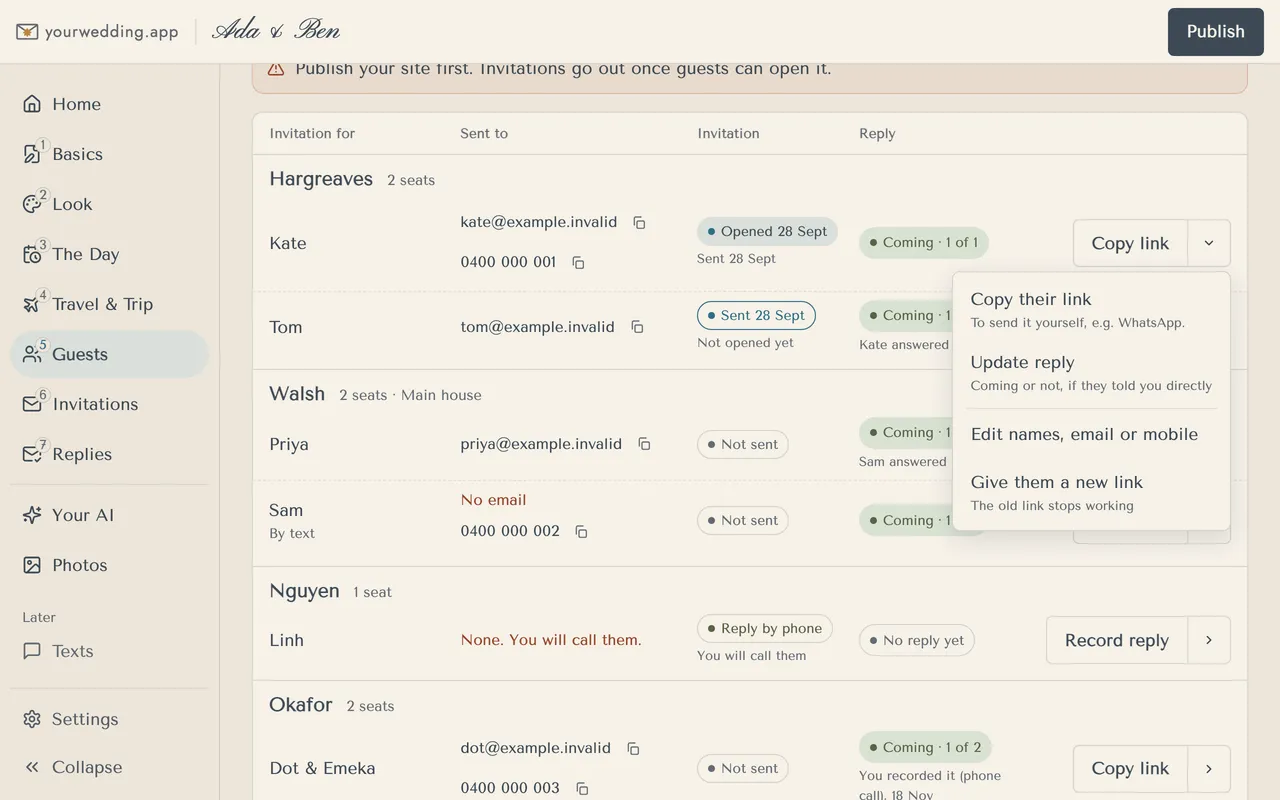
Someone with only your site's address sees a general card with a box for a code, plus The Day and Travel. Write those pages as if a stranger might read them. If a guest loses their link, they type their code or ask you for a new one. We can't look up invitations by name or email.
Please keep our wedding website to yourselves. We'd love the day to stay with the people we've invited, so please don't post the link, the venue or the time online. Thank you!
Hi [name], it looks like our wedding link was passed on to you by mistake. We're keeping the wedding small, so we can't invite everyone we'd like to. We hope you understand, and we'd love to catch up soon.
What should you leave off your wedding website?
Anything you wouldn't tell a stranger. Keep these off, password or not:
- your home address
- honeymoon dates, or when your house will be empty
- bank account details. See wishing well wording for what to say instead
- children's full names, ages and schools
- private events not every guest is invited to
For everything that should go on, see what to put on a wedding website.
How do you keep guests' photos private?
Guests' photos can say more than your site does.
The Australian Centre to Counter Child Exploitation warns that checking in on social media "can reveal your location". It also says "Don't reveal your children's personal details, such as their names, ages and school years", and "Only share photos with people you know and trust" (Online sharing and photo safety). ThinkUKnow warns that shared photos "may end up being seen by unintended audiences" (Sharing your child's information).
Welcome to our unplugged ceremony. Please keep your phones away until we've said I do. Our photographer has it covered, and we'd love to see your faces, not your screens.
Lots of little ones are joining us. Please don't post photos of other people's children online without asking their parents first. Thank you for helping us keep them safe.
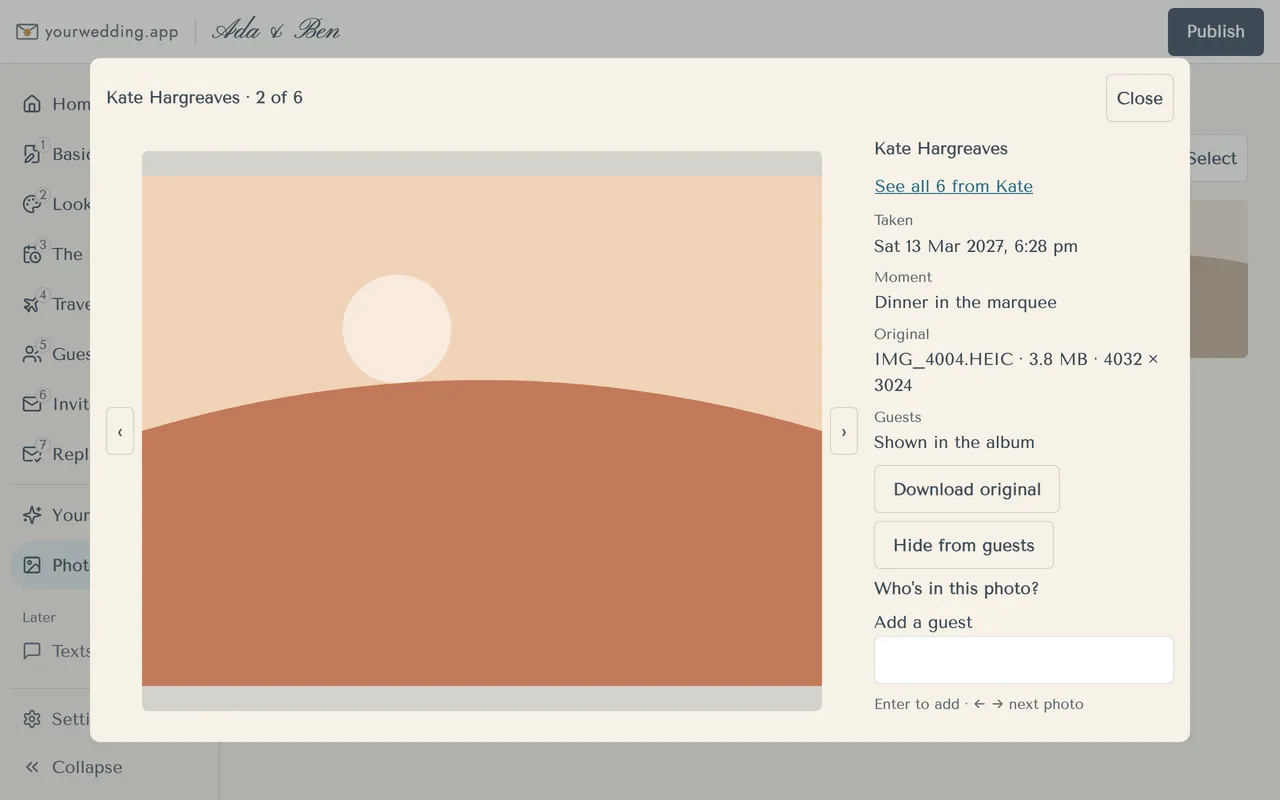
On yourwedding.app, guest photo sharing comes with Wedding and Pro. Guests add photos from their own link, and people with a link you sent can see them. When a guest's browser supports it, it removes the location from the copy other guests see. Older browsers may not, and videos are shared as uploaded. You get every original as it was uploaded.
You can hide any photo, and a guest's report hides it straight away until you look. You can also turn off the album's Share button. Guests can still save photos, take screenshots and post them elsewhere.
How does yourwedding.app keep a site private?
There is no site password. If you want one password for the whole site, choose a builder that has one.
What we do instead:
- Hidden from search. Every wedding site asks search engines not to list it, on every plan.
- A link for each guest. Replies and photos need it. A new link stops the old one.
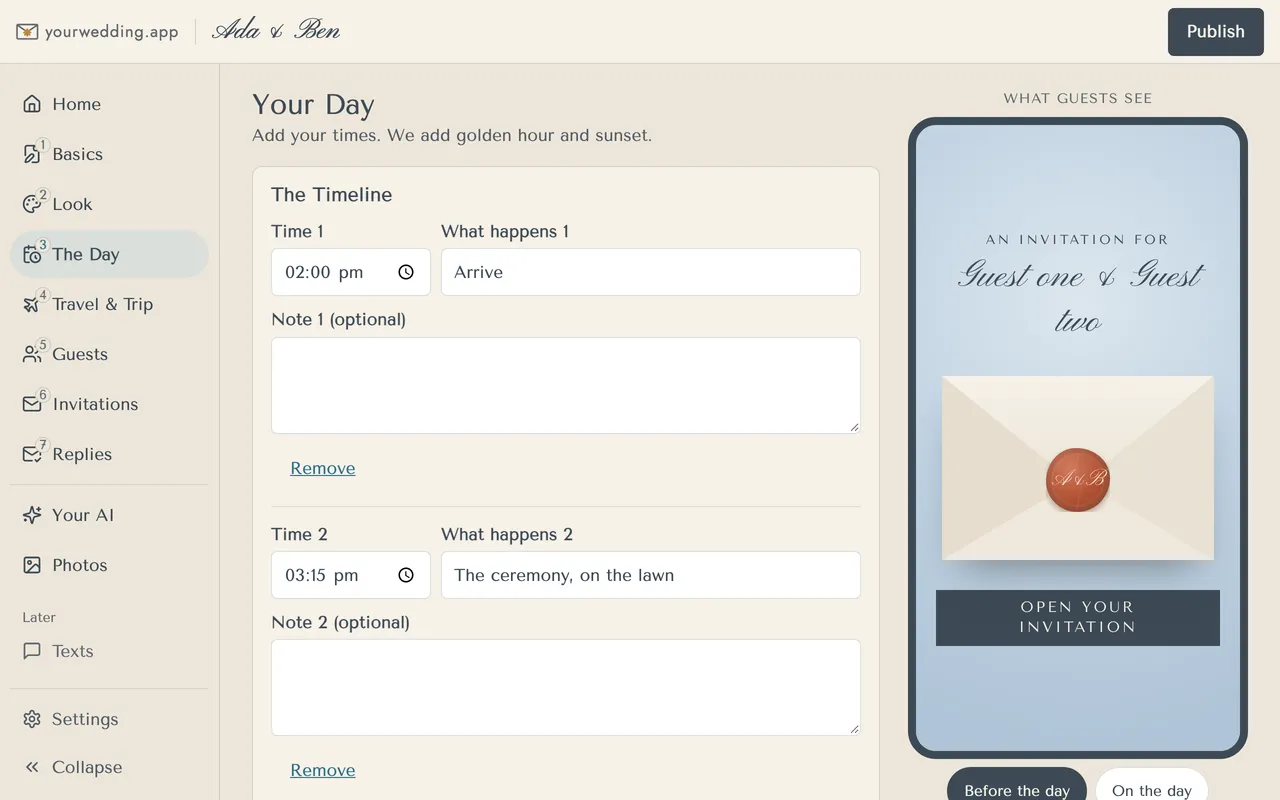
- The Day when you're ready. Keep the timeline to yourselves until a number of days before the wedding, or the day itself. Until then, guests see the date and a countdown, or a short note.
- A deletion date. Your guests' details are taken down 3 to 24 months after the day, on the date you choose, and deleted 7 days later.
- No ads. Wedding sites and guest emails carry no advertising from us, and being on a guest list doesn't sign anyone up to our marketing.
- Stored in Sydney. Some of our providers process information overseas.
Questions
Are Zola wedding websites public?
Not if you set a password. Zola says guests then enter it before they can see anything on your site. Zola also has a setting for whether your site can be found on search engines and on Zola itself. It says Google can take up to 30 days to drop a site after you change it.
What makes a good wedding website password?
One your guests can type easily and nobody else could work out from your names, date or venue. Avoid the wedding date plus your surname. A better choice is two words from a story your guests know, plus a number that is not your date. On Joy, passwords are not case-sensitive, so capitals add nothing there.
Source: Joy
What if a guest forgets the wedding website password?
They will ask you, so put it where they will look, like the invitation. Zola says it cannot give your password to guests, and suggests telling guests where to find it. Its advice article expects some guests to lose or forget it, so plan on a few messages in the last week.
How long does Google take to remove a wedding website?
It varies. Zola says it can take up to 30 days, and that it cannot speed this up. Google says it may take months to revisit a page, depending on the page. Turn on the hide-from-search setting before you share the address, so there is nothing to remove.
Source: Zola, Google Search Central
Can someone find our wedding website by searching our names?
On Google, yes, if the site is listed. Joy and Zola also have settings for whether people can find your site by searching on Joy or Zola. WedSites says it has no public search or lookup. Say I Do asks for the site address. We cannot look up an invitation by name or email.
Can we make some pages private and leave others public?
On some builders. Joy says you can password-protect specific pages or your entire site, and WedSites lets you make single pages private. yourwedding.app has no per-page passwords. You can keep The Day to yourselves until a number of days before the wedding, and guests see the date and a countdown until then.
Should we share our wedding website on social media?
Not if you want it private. Anyone who sees the post can open the address, and a password in a public post stops being a secret. Send the link to guests directly instead. If you want to share the news, post a photo without the address.