What should I do next?
Last updated 17 October 2026
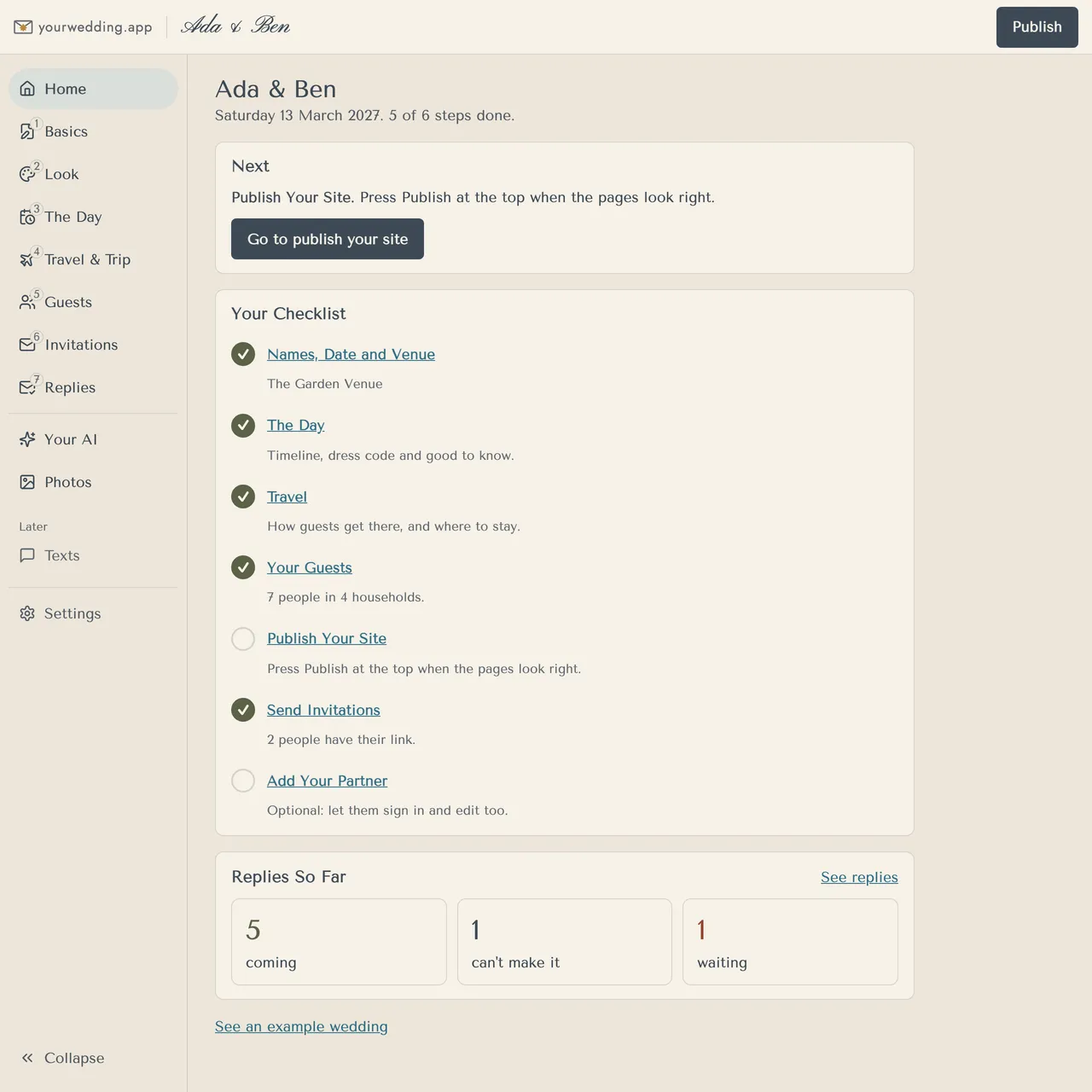
Home shows your checklist and what to do next. Press the button in the Next card to go straight there.
- Open Home in the menu on the left.
- Read the Next card. It names the first step you haven't done.
- Work down Your Checklist: names, date and venue; the day; travel; your guests; publish your site; send invitations; and, if you like, add your partner.
- Replies So Far shows how many are coming, can't make it or haven't replied.
When everything's done, Home says "Everything's Ready".
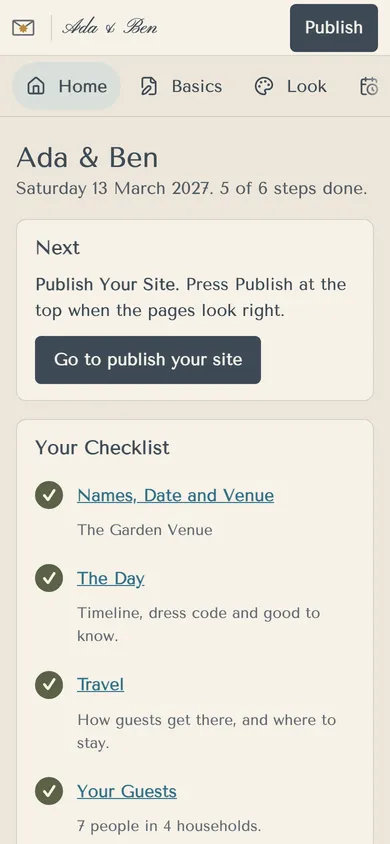
On a phone, the menu becomes a row of tabs across the top.
More in Getting started
- How do I set up our wedding?
Create an account, then answer six quick questions. Your invitation fills in as you go, and you can change every answer later.
- Can I look around before signing up?
Yes. Open the example wedding for Ella & James. You don't need an account, and nothing you change is saved.
Still stuck?
Open Help in the studio and choose Contact us. We email you a reference. Can’t sign in? Email us instead.
Contact us in the studioEmail hello@yourwedding.app
Guests: please ask the couple first.