How do I set up our wedding?
Last updated 17 October 2026
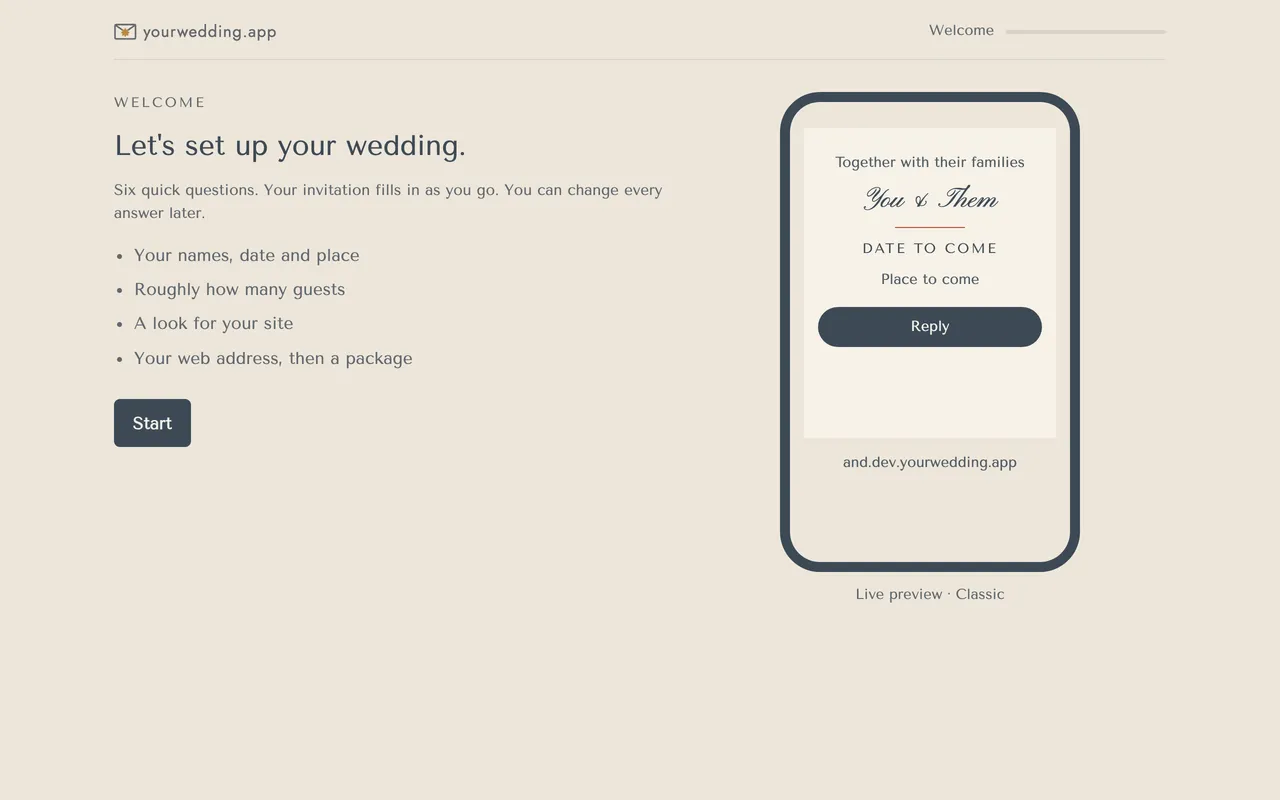
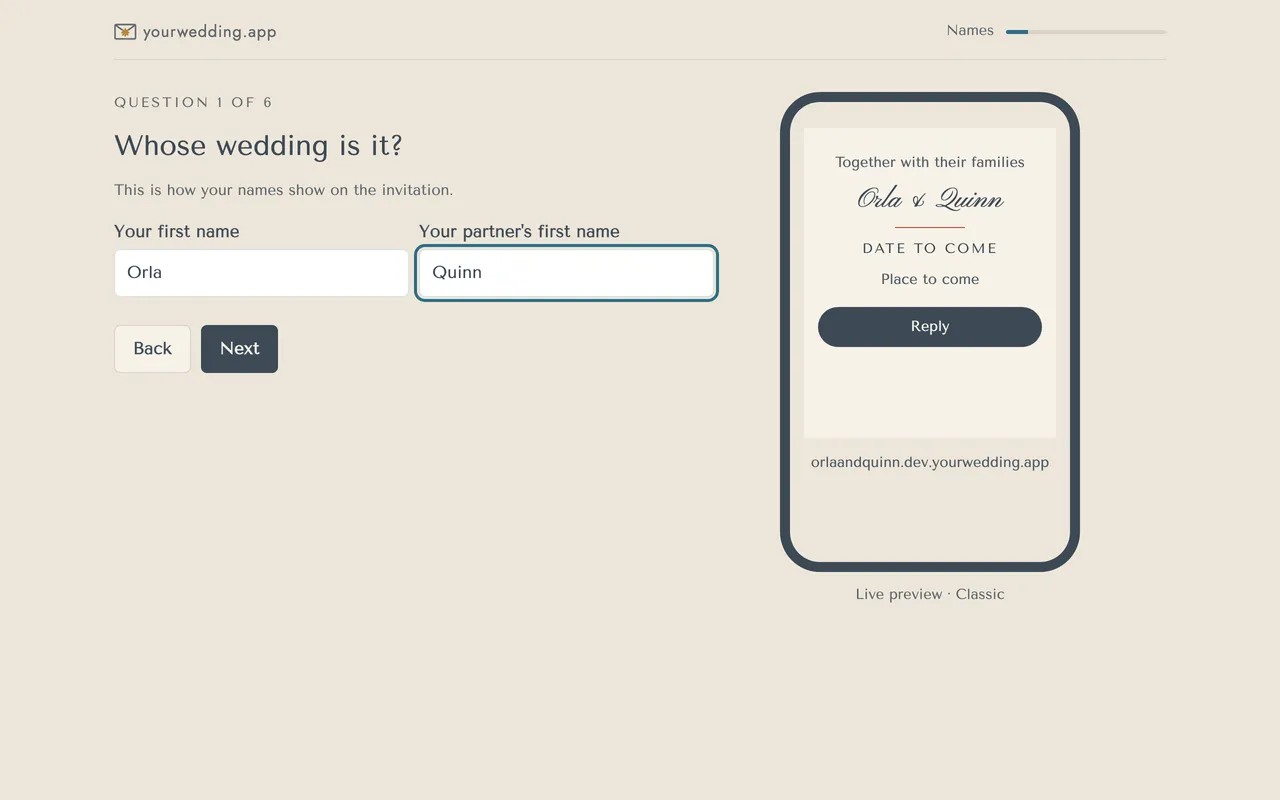
Create an account, then answer six quick questions. Your invitation fills in as you go, and you can change every answer later.
- Go to the studio and choose Create an account.
- Enter your email and choose a password. It needs at least 12 characters, with a capital, a small letter, a number and a symbol.
- Type the code we email you and press Confirm.
- Press Start and answer the questions: your first names, the date, the place, roughly how many guests, a look and your web address.
- Press Make my site.
- Choose Start free, or pay for Wedding or Pro with Stripe.
Not sure of the date yet? Pick your best guess. Nothing goes to guests until you send it.
The guest-count question only suggests a package. We don't save the answer.
Creating an account means you agree to the Terms and Privacy Policy, and confirm you're 18 or over.
More in Getting started
- Can I look around before signing up?
Yes. Open the example wedding for Ella & James. You don't need an account, and nothing you change is saved.
- What should I do next?
Home shows your checklist and what to do next. Press the button in the Next card to go straight there.
Still stuck?
Open Help in the studio and choose Contact us. We email you a reference. Can’t sign in? Email us instead.
Contact us in the studioEmail hello@yourwedding.app
Guests: please ask the couple first.