Can I look around before signing up?
Last updated 17 October 2026
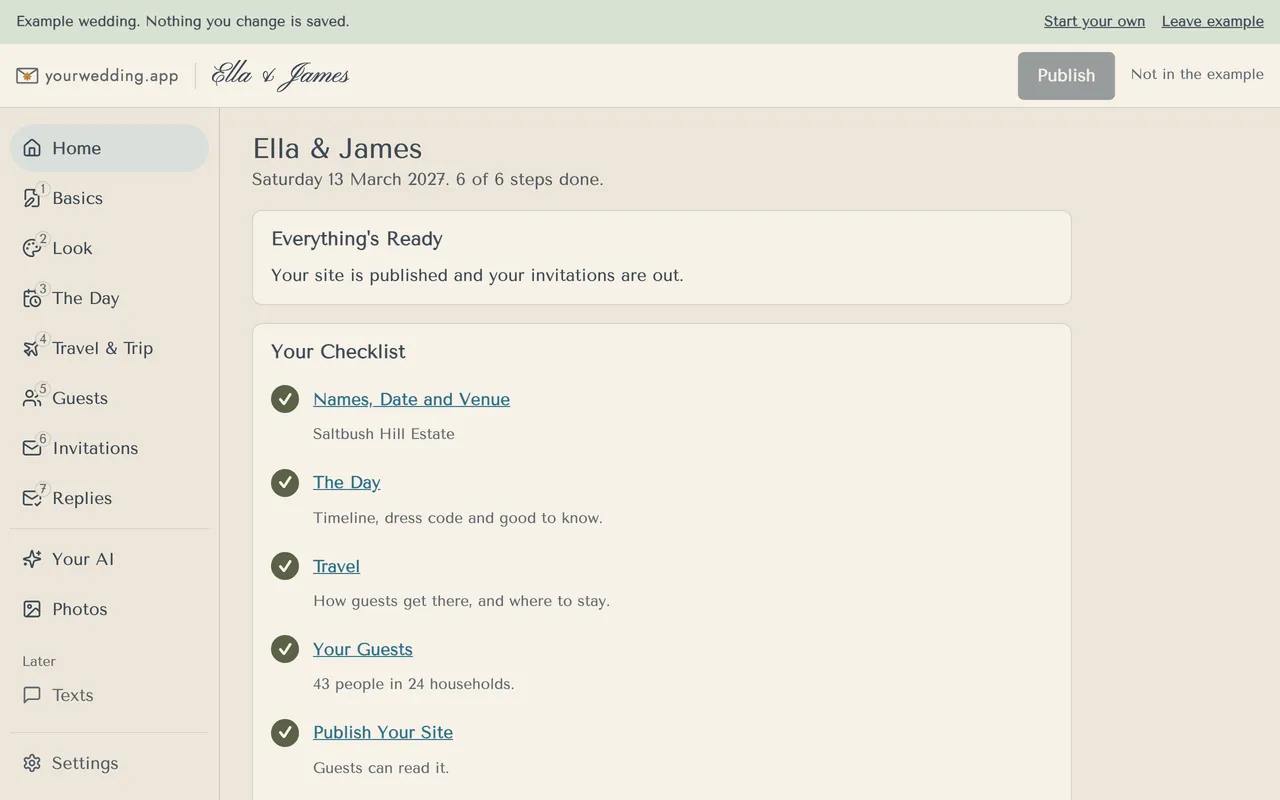
Yes. Open the example wedding for Ella & James. You don't need an account, and nothing you change is saved.
- On the sign-in screen, choose See an example wedding.
- Click around every screen. Sending, publishing, payments and adding members are switched off and say "Not in the example".
- Choose Start your own to sign up, or Leave example to go back.
Reloading the page starts the example again.
More in Getting started
- How do I set up our wedding?
Create an account, then answer six quick questions. Your invitation fills in as you go, and you can change every answer later.
- What should I do next?
Home shows your checklist and what to do next. Press the button in the Next card to go straight there.
Still stuck?
Open Help in the studio and choose Contact us. We email you a reference. Can’t sign in? Email us instead.
Contact us in the studioEmail hello@yourwedding.app
Guests: please ask the couple first.