How do I share my photos?
Last updated 17 October 2026
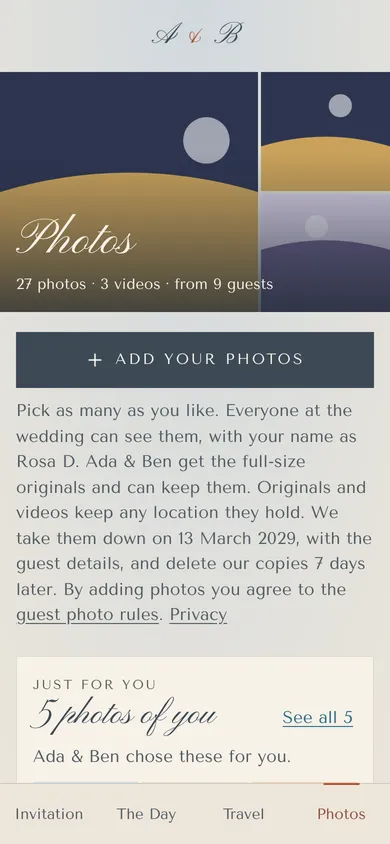
From the wedding day, open the Photos page and tap Add your photos.
- Scan the QR code on your table, or open the link in the couple's morning-after email.
- Type your code if asked. It's in your invitation.
- Tap Add your photos and pick from your camera roll. Videos too.
- Keep the page open while they send.
Everyone at the wedding can see your photos, with your name. The couple can hide any photo. To delete one of yours, open it and use More.
The couple gets the full-size originals and can keep them. Originals and videos keep any location they hold.
Photos up to 50 MB and videos up to 100 MB. We take them down with the guest details, and delete our copies 7 days later.
More in For guests
- How do I open my invitation?
Tap the link in the email or text the couple sent you. It opens your own invitation.
- I can't find my invitation link.
Type the code from your message, or ask the couple for a new link. We can't look up invitations by name or email.
- How do I reply?
Open your invitation, tap Reply, and answer for everyone on your invitation.
- How do I change my reply?
Open your link again and tap Change our reply, until the reply-by date.
- How do I stop emails or texts?
Use the unsubscribe link in any email, or reply STOP to any text.
- Who do I contact with a question?
Ask the couple. Reply to their email, or reply to their text as it explains.
Still stuck?
Open Help in the studio and choose Contact us. We email you a reference. Can’t sign in? Email us instead.
Contact us in the studioEmail hello@yourwedding.app
Guests: please ask the couple first.