How do I open my invitation?
Last updated 17 October 2026
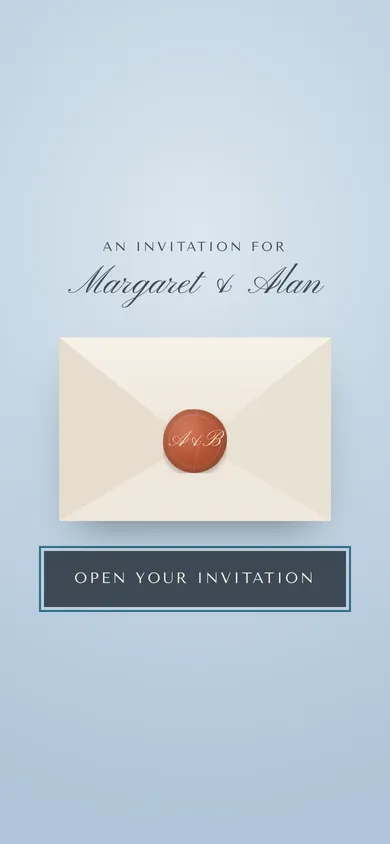
Tap the link in the email or text the couple sent you. It opens your own invitation.
- Open the email and tap Open invitation & reply, or tap the link in the text.
- On your first visit, tap Open your invitation.
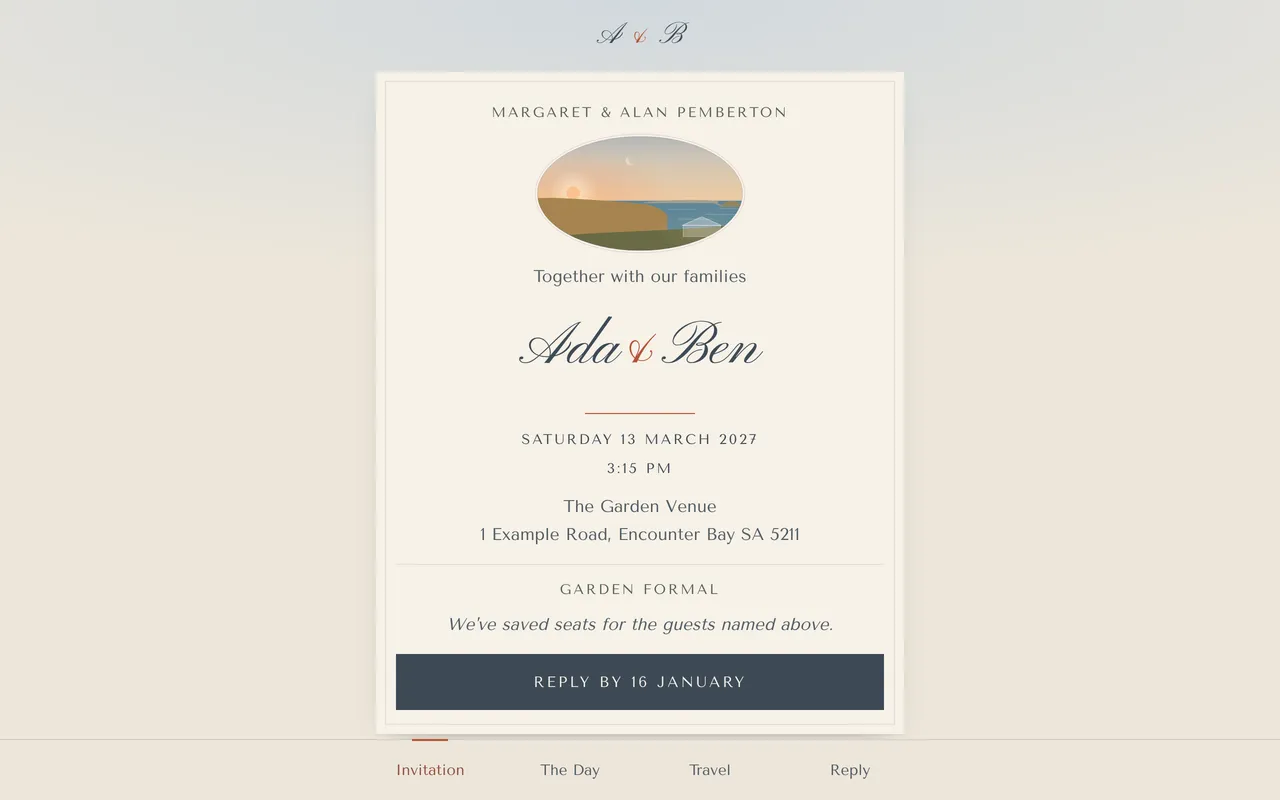
- Read the details, then tap Reply by ….
Your phone remembers you next time. On a shared phone, tap Not [your name]? Forget me on this phone.
Please keep your link private. It's just for the guests named on your invitation.
More in For guests
- I can't find my invitation link.
Type the code from your message, or ask the couple for a new link. We can't look up invitations by name or email.
- How do I reply?
Open your invitation, tap Reply, and answer for everyone on your invitation.
- How do I change my reply?
Open your link again and tap Change our reply, until the reply-by date.
- How do I share my photos?
From the wedding day, open the Photos page and tap Add your photos.
- How do I stop emails or texts?
Use the unsubscribe link in any email, or reply STOP to any text.
- Who do I contact with a question?
Ask the couple. Reply to their email, or reply to their text as it explains.
Still stuck?
Open Help in the studio and choose Contact us. We email you a reference. Can’t sign in? Email us instead.
Contact us in the studioEmail hello@yourwedding.app
Guests: please ask the couple first.