How do I delete my account?
Last updated 17 October 2026
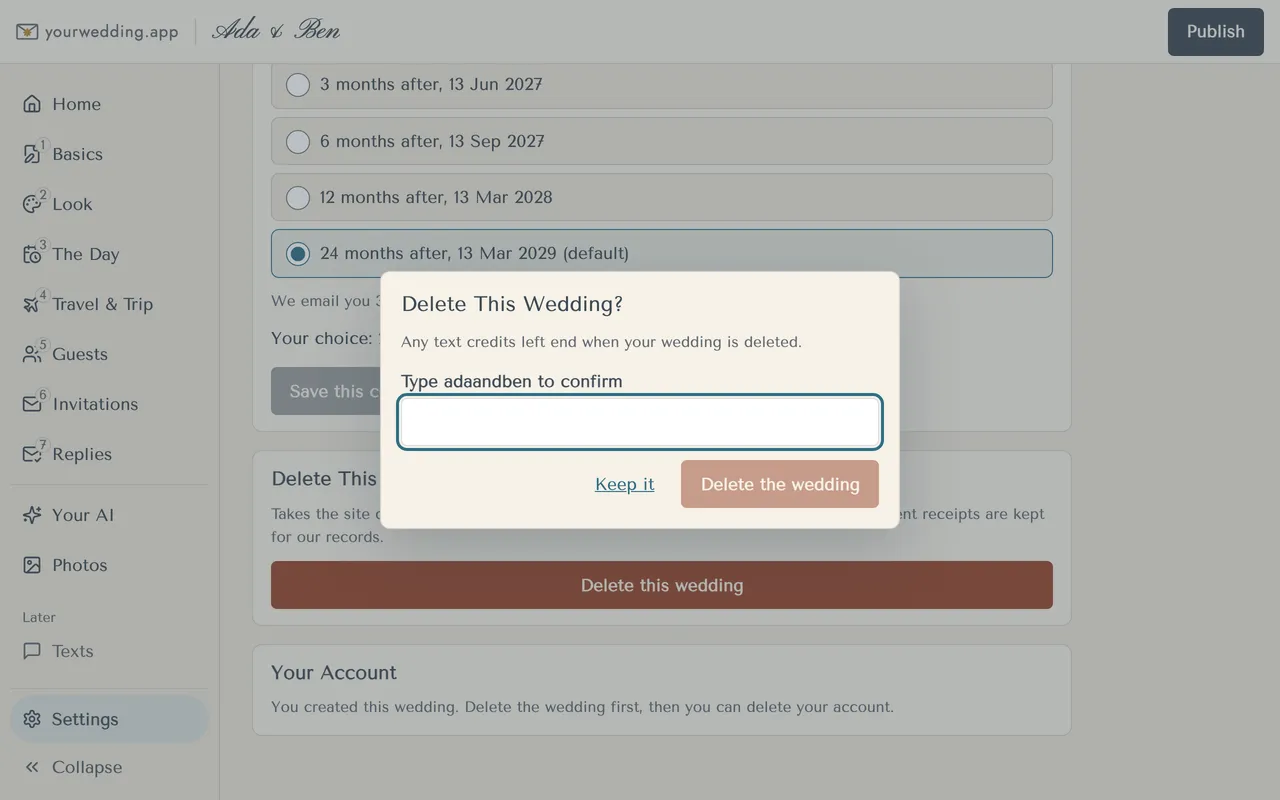
Partners can delete their own account in Settings. The person who created the wedding deletes the wedding first.
- Open Settings and find Your Account.
- A partner presses Delete my account. The wedding stays with the person who created it.
- The creator sees "Delete the wedding first, then you can delete your account."
More in Account, partner and sign-in
- How do I sign in?
With your email and password, at the studio.
- How do I add my partner?
Invite their email in Settings. Two people can sign in and edit a wedding.
- I can't sign in. What do I do?
Reset your password with a code we email you.
Still stuck?
Open Help in the studio and choose Contact us. We email you a reference. Can’t sign in? Email us instead.
Contact us in the studioEmail hello@yourwedding.app
Guests: please ask the couple first.